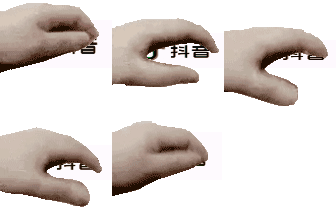
Pet meme maker
Turn recognizable characters, pets, or profile photos into funny, affectionate meme edits that still feel clean and readable. Jump to the pet meme generator.
Turn any avatar, pet photo, meme character, or reaction image into a share-ready pet gif in seconds. Great for Discord reactions, social posts, streamer alerts, and wholesome pet meme edits.
Pick a meme template below or upload your own image to start.

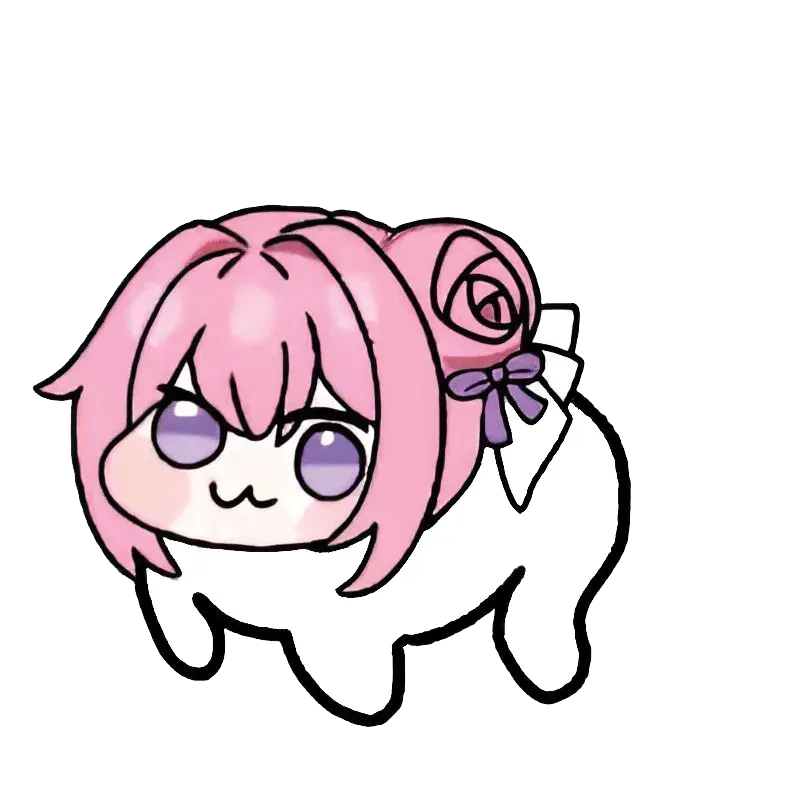
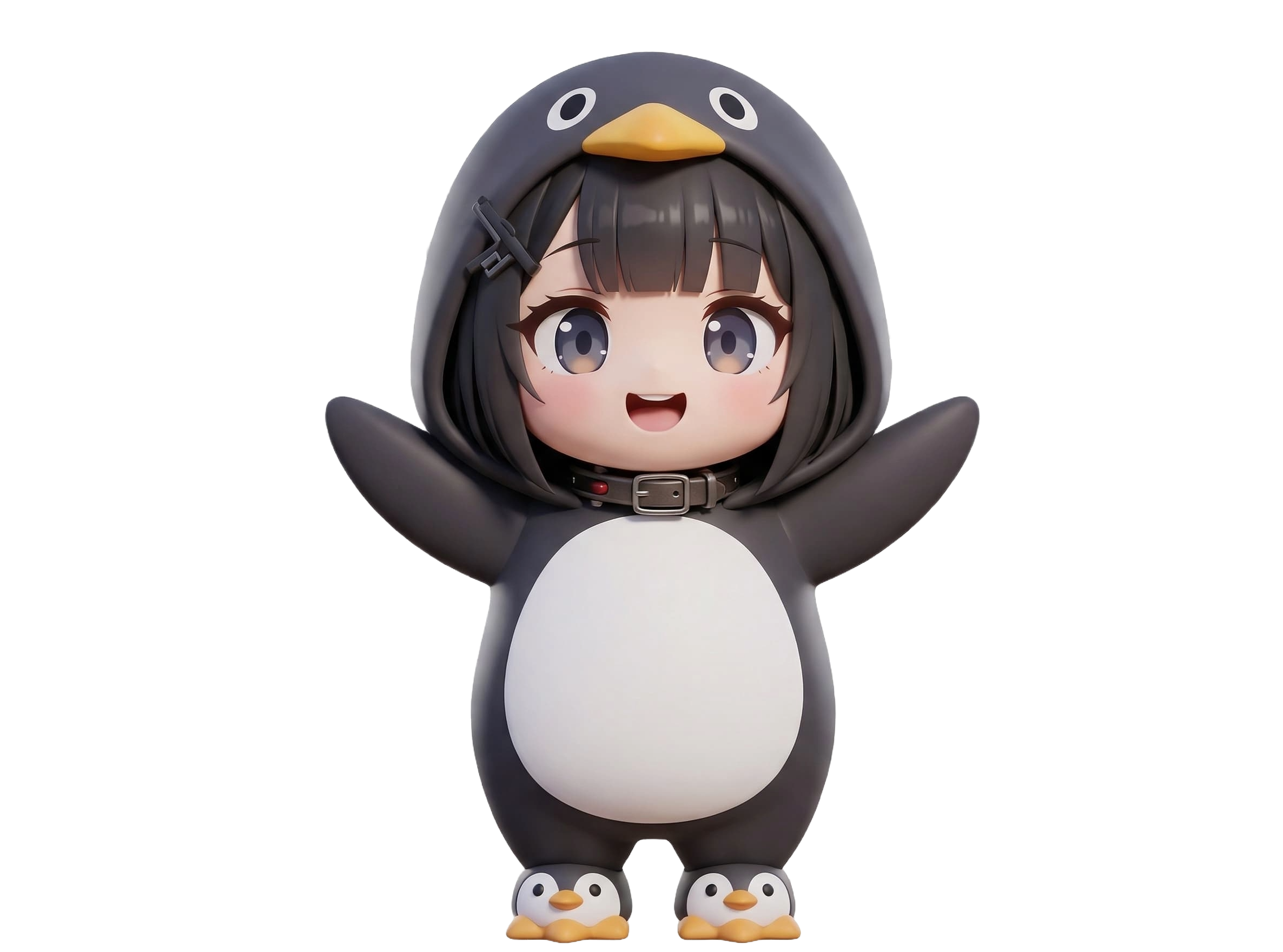
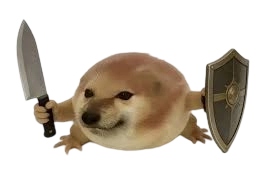
Tip: image URLs do not always work because some sites block direct linking. Uploading a saved image usually gives the best pet meme and petting gif results.
Save the exported GIF before sharing it. The preview link only exists locally in your browser.
If you notice green dots in the export, try another browser for a cleaner pet gif render.
Petpet GIF Generator is a free online tool for turning any image into a pet meme, petting GIF, head pat GIF, or wholesome pet GIF. Upload a pet photo, profile picture, anime avatar, or meme character, fine-tune the motion in real time, and export a shareable GIF without leaving your browser.
Compared with thin one-shot generators, this editor gives you enough control to make the final animation feel intentional. You can resize the subject, tweak the squish, adjust playback speed, and reposition the image so the hand motion lands cleanly on the face or head.
Turn recognizable characters, pets, or profile photos into funny, affectionate meme edits that still feel clean and readable. Jump to the pet meme generator.
Create the classic hand-patting motion people expect when they search for petting gif, head pat gif, or petpet gif tools. Open the petting GIF tool.
Export a compact pet gif for Discord, X, Reddit, Telegram, TikTok content, or reaction threads without extra software. Create a pet GIF now.
A pet meme works especially well when you want a softer reaction than a loud meme template. Use it for approvals, comfort replies, streamer communities, or playful chat moments that benefit from a cute animated response.
Real pets, VTuber avatars, game icons, Discord emojis, and mascot illustrations all translate well into a petting GIF. If the face is clear and centered, the final motion usually reads instantly.
The live preview makes it easier to line up the hand motion than on simpler competitor tools. That matters when you want the head pat effect to feel polished instead of cropped or off-target.
Yes! You can upload any image you like. The generator works best with faces or objects that would look cute being petted, but feel free to experiment with any image.
No, you can create as many pet-pet GIFs as you want, completely free.
Pet-pet GIFs are perfect for reactions in chats, Discord servers, forum posts, social comments, streamer communities, and pet meme pages. They are a fun way to show affection, approval, encouragement, or playful irony.
Yes. Meme characters, profile pictures, pets, and reaction images all work well. Upload the image, adjust size and position, then export a pet meme GIF that is ready to share.
Yes. The generator works on phones and tablets, so you can upload from your camera roll, adjust the position with touch controls, and download the finished petting GIF directly to your device.
We support common image formats including PNG, JPG, JPEG, and GIF. For best results, use a clear subject with enough room around the head or face so the petting motion stays readable.
All image processing happens directly in your browser using client-side JavaScript. Your images are not uploaded to our server just to create the animation.
Petting GIFs usually describe the classic hand-caress animation, head pat GIFs focus on the top-of-head motion, and pet gif can be a broader search for cute pet-related animations. This tool covers all three intents with one editable workflow.
The best results usually come from images with a clear subject, generous headroom, and strong contrast. Expressive pets, faces, and meme characters tend to produce the most readable petting GIFs.
Yes. The petpet effect is flexible enough to work as both a gentle petting GIF and a playful head pat GIF, depending on how you position and scale the subject.
Searchers looking for pet meme and petting gif tools usually want fast output, but they also want enough control to avoid awkward framing. The preview, adjust mode, scale, squish, and speed controls cover that middle ground well.
Everything runs client-side, which helps privacy, reduces waiting, and makes the tool feel more immediate than upload-heavy generators.
The page is designed around the common end use: make something cute, preview it quickly, export it, and post it in a chat, thread, or social timeline.
Create engaging posts for X, TikTok, Instagram, and Reddit. A good petting GIF adds personality without needing a full video edit.
Send personalized pet gifs to friends, communities, and teammates. They work well as approval, affection, or lighthearted reaction replies.
Fan art, mascot edits, and streamer communities all benefit from a recognizable pet meme that members can reuse across posts and chats.
Use a pet gif as a visual punchline in blog posts, roundup pages, or creator content where a static image would feel flat.